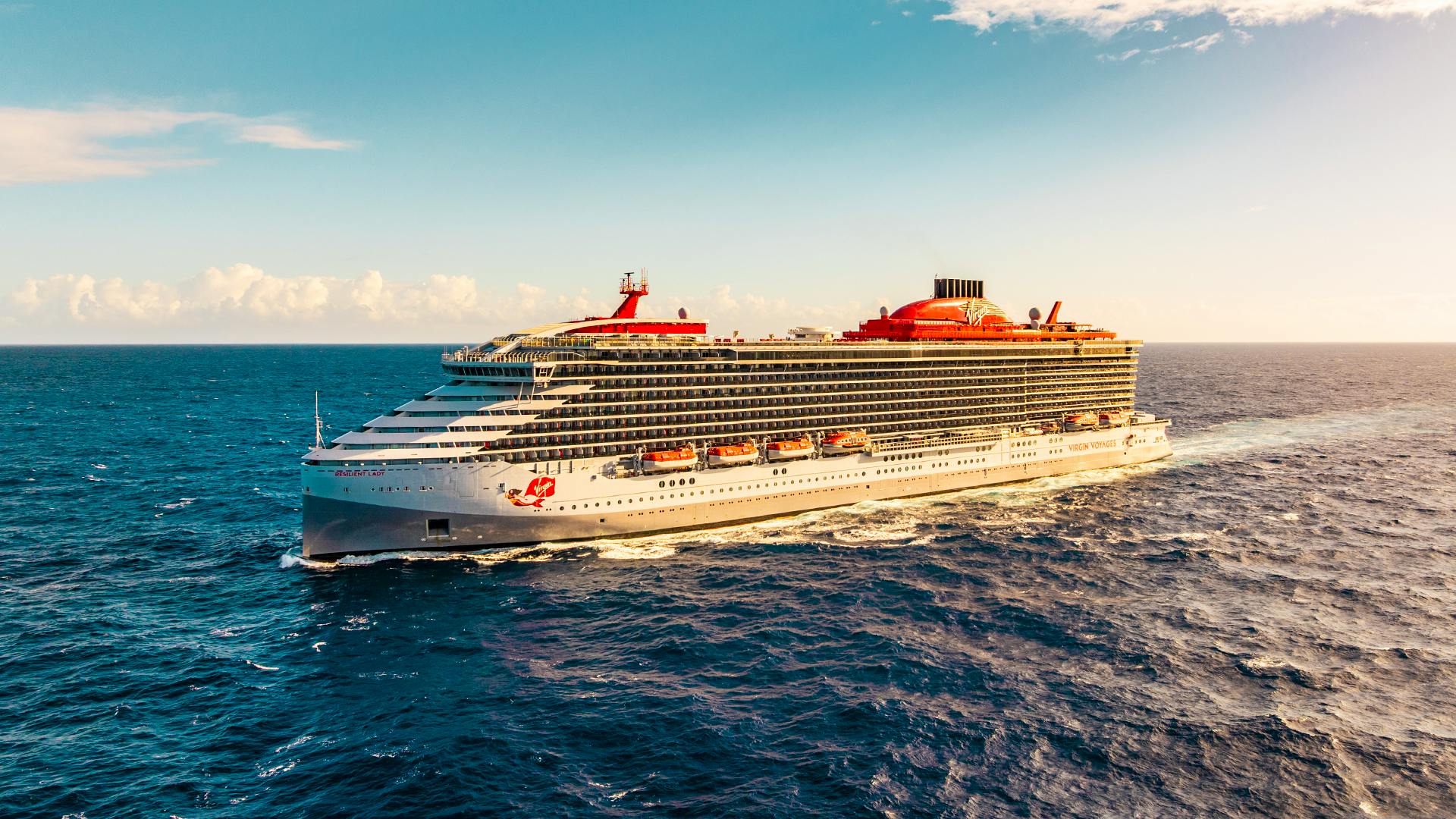
Booking a Virgin Voyages sailing is refreshingly low-lift: pick your itinerary, choose your cabin and fare type, pay, and done. Changing a booking can be easy too — as long as you start in the right place (a.k.a. the channel you booked through) and check a couple of key details like payment timing and promotion terms.
TL;DR (for the “I have 30 seconds” crowd)
- Booking is quick online: choose your voyage, pick your cabin, confirm details, and pay.
- Changing is doable—but your booking path matters (booked direct vs travel advisor vs third-party site).
- Before you tweak anything, check: payment status, final payment timing, and promo/fare rules.
- Need backup? Start with Help & Support and the FAQs, then contact Sailor Services if you’re stuck.
- FAQs/Help hub: https://www.virginvoyages.com/help-and-support
The short answer: yes, it’s easy—if you know your booking path
Virgin Voyages keeps things pretty streamlined, especially if you book directly online. And because the pricing is designed to be more straightforward, with over $1,000 in value included in each fare, you spend less time playing “wait…what’s extra?” and more time picking the fun stuff.
What’s included (the highlights you’ll actually care about): WiFi, all dining, soda & water, fitness classes, and entertainment.
Quick self-check before you do anything (book OR change):
- Did you book directly on Virgin Voyages?
- Did you book through a First Mate (travel advisor)?
- Did you book via an OTA/third-party site?
That one detail decides where your “change my booking” button lives.
How to book a Virgin Voyages trip (the smooth-sailing version)
Step 1: Pick your destination + dates
Start with the vibe check: Caribbean sun-chasing, Europe port-hopping, something a little more “plot twist.” Browse regions and itineraries here:
- Destinations: https://www.virginvoyages.com/destinations
- Caribbean: https://www.virginvoyages.com/destinations/caribbean-cruises
- Europe: https://www.virginvoyages.com/destinations/europe-cruises
When you’re ready to lock it in, head to the booking flow:
- Book/Voyage Planner: https://www.virginvoyages.com/book
Step 2: Choose your cabin (and what to consider)
Cabin picking is where you decide your daily soundtrack: serene hideaway, balcony lounging, or full-on suite life.
Start here to explore categories:
- Cabins overview: https://www.virginvoyages.com/cabins
- Suites: https://www.virginvoyages.com/cabins/suites
Quick cabin decision cues:
- Want fresh air + that iconic hammock moment? Look at Sea Terrace options.
- Want value and cozy? Insider is the efficient, no-fuss hero.
- Want to go big? Suites bring the “main character energy" and give you access to parts of the ship that only an elite few can enter.
Step 3: Confirm details + pay
You’ll confirm your Sailor details and handle payment in the booking flow. If you’re planning around cash flow (because life), it’s worth bookmarking:
- Cruise financing: https://www.virginvoyages.com/cruise-financing
Pro tip: If you’re booking during a promo, take a screenshot (or save the email). If you later change dates/cabin, promo terms can matter.
How to change your Virgin Voyages booking (dates, cabin, details)
Changes are usually easiest when you:
- Start in the correct support path
- Make your move before key payment/policy deadlines
Start in the right place: your account/help flow
We route booking help through our centralized FAQ and support system, including categories like “Help with an existing reservation” with topics such as Payments and Pre-Voyage Policies.
- Help & Support hub: https://help.virginvoyages.com/helpportal/s/contactus
- FAQs: https://www.virginvoyages.com/faq
If you’re not sure what applies to your situation, those categories are the fastest way to find the “yes/no/it depends” answer without wandering the internet at 11:47 PM.
Common changes you may be able to make
What people typically try to change (and what to look up in the FAQs before you click anything):
- Change your sailing date (because calendars are liars)
- Change your cabin (upgrade dreams are real)
- Update guest details (names, info, and other essentials — accuracy matters)
Where to research specifics quickly:
- Cabin info: https://www.virginvoyages.com/cabins
- Suites (if you’re upgrading): https://www.virginvoyages.com/cabins/suites
- FAQs for reservation support: https://www.virginvoyages.com/help-and-support
What can make changes trickier (promotions, timing, final payment)
Three usual suspects:
1. Promotions & fare conditions (depend on the tier you opt for in VoyageFair Choices)
- Deals can come with rules—changing a booking may impact eligibility or pricing.
- Deals page (great for shopping, also relevant for promo context): https://www.virginvoyages.com/cruise-deals
2. Payment timing (especially around final payment)
- Policies often shift after certain payment milestones. Because these specifics can change, always confirm in the official Payments / Pre-Voyage Policies FAQ areas before making a change.
- Help with an existing reservation (Payments / Policies live in the FAQ structure): https://www.virginvoyages.com/help-and-support
3. Inventory (cabins sell out, categories change)
- If you’re switching cabins, availability is the make-or-break factor. If the cabin you want is gone, you may need a Plan B category.
Booked through a First Mate or a third-party site? Here’s the plot twist
If you booked through a travel advisor (we call them First Mates) or an online travel agency, your booking is often “serviced” through that channel — meaning they may need to submit changes for you.
Use this decision tree:
If you booked directly on Virgin Voyages
- Start with: https://www.virginvoyages.com/faq
- Then: https://help.virginvoyages.com/helpportal/s/contactus
- If you still need help, use the Contact option from the support hub.
If you booked through a travel advisor/third-party seller
- First stop: the person or site you booked with (they’ll confirm what they can modify and what needs escalation).
- If you’re directed back to Virgin, go through: https://help.virginvoyages.com/helpportal/s/contactus
This can feel like an extra step, but it’s usually the fastest route to avoid crossed wires.
Cancelling vs changing: what happens to your money (and your mojo)
Refund vs credit (Future Voyage Credit/FVC)
In travel, cancellations and changes can lead to different outcomes (refund, credit, or a mix), depending on the booking terms and timing.
Because the exact rules can vary by fare and date window, don’t guess — confirm via official policy/FAQ content before you cancel. Start here:
- Help & Support: https://help.virginvoyages.com/helpportal/s/contactus
- FAQs: https://www.virginvoyages.com/faq
Key timing moments to know
Keep your eyes on:
- Deposit timing
- Final payment timing
- Any policy windows tied to your sail date
If you’re considering changing instead of cancelling, check policy info first — sometimes a change is the smoother path.
FAQs
(because someone always asks at 11:47 PM)
https://www.virginvoyages.com/help-and-support
- Cabins: https://www.virginvoyages.com/cabins
- Help & Support: https://www.virginvoyages.com/help-and-support
https://www.virginvoyages.com/help-and-support
https://www.virginvoyages.com/help-and-support
https://www.virginvoyages.com/help-and-support
https://www.virginvoyages.com/cruises/group-cruise
Need a hand? Sailor Services can help
When you’ve hit the “I just want a human (please and thank you)” stage, the Help & Support hub points you to contact options and Sailor Services.
Ready to book (or tweak your plans)?
- Shop voyages/book now: https://www.virginvoyages.com/book
- Browse what’s included (so pricing stays simple): https://www.virginvoyages.com/whats-included
- Pick your cabin: https://www.virginvoyages.com/cabins
- Find answers fast: https://www.virginvoyages.com/help-and-support
If you know your booking path and check the policy basics before you make a move, you’ll be back to the fun part in no time: deciding whether your first onboard dinner is “steak night” or “let’s try something wildly specific and delicious.”
.jpg)